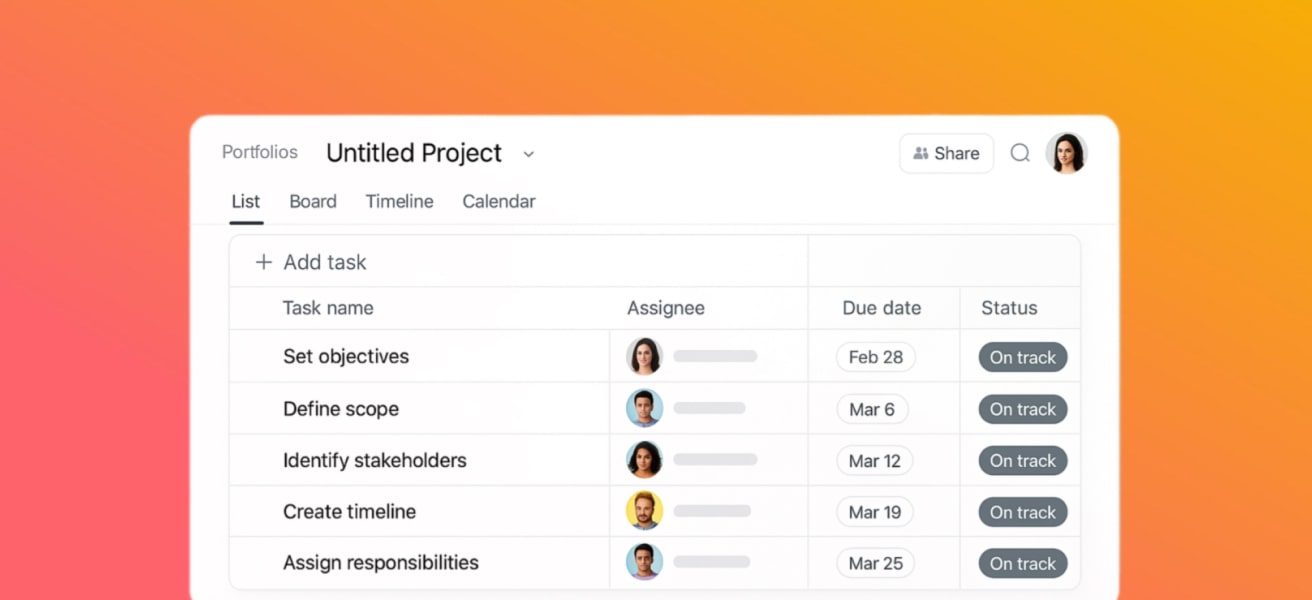
Use our project template (CSV) and 6 ready-to-use rules to launch client onboarding in Asana in under an hour. The flow is Intake → KYC/Compliance → Setup → Delivery → Handover, with forms that route requests, approvals for gated steps, and dashboards leaders review weekly.
1) Project structure (sections, fields, owners)
Sections
● Intake – capture the request and qualify scope
● KYC/Compliance – identity, legal, security
● Setup – environments, access, automations
● Delivery – execution + weekly status
● Handover – docs, billing, archiving
Core custom fields
● Status: Not Started / In Progress / Blocked / In Review / Done
● Priority: P1 / P2 / P3 / P4
● SLA (days): numeric for due-date math
● Client Tier: A / B / C
● Risk: Low / Medium / High
● Approver: Person field for gated steps
Ownership
● Exactly one Assignee per task
● Approver for gated tasks (Legal, Security, Finance)
● Template Owner and Portfolio Owner named
Download the base project with sections, sample tasks, and custom-field columns:
CSV: ISSI_Asana_Client_Onboarding_Template.csv
(Import via Asana CSV Importer; map custom columns to new/existing fields.)
2) Intake form → field mapping → routing
Form fields to include
● Company, Contact, Department, Request Type, Priority, Due-by, Data Sensitivity, Approver, Attachments
● Map fields to custom fields for reporting (Priority, SLA, Client Tier, Risk).
Routing tips
● Use a single Onboarding Intake form → auto-create tasks in the Onboarding project.
● Route by Client Tier or Request Type to the right assignee/team.
● Capture SLA (days) to drive due-date rules.
3) Six rules to automate handoffs & escalations
These examples are in the downloadable JSON for easy reference. You’ll configure them via Asana’s rule builder (names/actions vary slightly by plan).
1. Route new intake by Client Tier
- Trigger: Form submission
- Condition: Client Tier = Tier A
- Actions: Assign Senior Onboarding Manager; set Priority = P1; add a comment “Routed as Tier A”
2. Escalate high-priority overdues
- Trigger: Task overdue
- Condition: Priority in {P1, P2}
- Actions: Comment @Team Lead; set due date = Today + 1
3. Create approval on “In Review”
- Trigger: Section/status changes to In Review
- Action: Create Approval; set due date = +2 days; assign Approver
4. Reopen when approval is rejected
- Trigger: Approval rejected
- Actions: Set Status = Blocked; re-assign to Task Assignee
5. Auto-create go-live subtasks
- Trigger: Section KYC/Compliance marked complete
- Actions: Add subtasks: Go-live checklist, Runbook validation, Access de-scoping
6. Mirror form fields to custom fields
- Trigger: Form submission
- Action: Map Priority → Priority (custom field), Due-by → Due Date
Rules JSON (examples): ISSI_Asana_Client_Onboarding_Rules.json
4) Dashboard widgets leaders actually check
Add a portfolio or project dashboard with:
● On-time completion (last 30 days)
● Overdue P1/P2 tasks
● Tasks by status (trend)
● Blockers count (tasks moved to Blocked this week)
● Workload by assignee (optional for capacity)
Run a weekly Ops Pulse (15 minutes): review the widgets, decide 3 actions, log decisions in a task with @mentions.
5) Handover & QA + archiving
● Handover package: SOPs, FAQs, runbook, credentials handback
● CSM/AM intro: warm transition & cadence
● Billing: confirm terms, first invoice
● Archive: close the project/onboarding tasks >90 days old (unless regulated)
6) Template download + next steps
● Download CSV template: ISSI_Asana_Client_Onboarding_Template.csv
● Download rules JSON: ISSI_Asana_Client_Onboarding_Rules.json
● Next step: Book an Automation Audit—we’ll wire your exact routing, approvals, and dashboards in a 90-minute session.